 View Upcoming Digital Marketing, Media and Advertising Conferences & Exhibitions
 Phone:
Posts Tagged "AR product visualization"



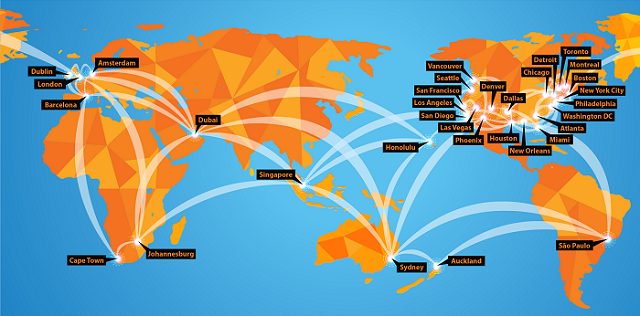
DigiMarCon is the Largest Digital Marketing, Media and Advertising Conference & Exhibition series in the world, with annual events held in all continents (North America, Latin America, Europe, UK, Asia Pacific, Middle East and Africa) in 13 countries (United States, Canada, Australia, New Zealand, United Kingdom, Ireland, Netherlands, Spain, Brazil, Singapore, India, United Arab Emirates and South Africa), across 33 cities (New York, Philadelphia, Boston, Toronto, Vancouver, Montreal, Houston, Dallas, Chicago, Los Angeles, San Francisco, Seattle, Washington DC, New Orleans, Atlanta, Detroit, Miami, Denver, San Diego, Phoenix, Las Vegas, Honolulu, London, Dublin, Amsterdam, Barcelona, Johannesburg, Cape Town, Dubai, Sydney, Auckland, Singapore and Sao Paulo). All DigiMarCon Events can be attended in-person or online. Wherever you are located there is a regional DigiMarCon event nearby you can attend.

DigiMarCon Conferences are held in top luxury 5-star event venues across the world such as; Royal Caribbean Cruise Ships, Olympic Stadiums, Marina Bay Sands Expo & Convention Centre and Wynn, JW Marriott, Marriott Marquis, Hyatt Regency, InterContinental, The Westin, Renaissance, Hilton, Conrad, W, Sheraton, Loews and Sofitel Hotel properties. Discount hotel room rates at each venue hotel means no hassle getting to and from the venue each day.

Building relationships matter! At DigiMarCon Conferences we have more networking breaks on our program than others. On average there are 8 Networking breaks at each event giving delegates ample opportunities in a relaxed atmosphere to meet others over the 2-days at the event; from 1-hour round table networking luncheons to 3-hour dinner receptions. These networking breaks are set in picturesque locations to facilitate memorable experiences while fostering new relationships. Such experiences include enjoying cocktails and the Sunset over the Pacific Ocean on a private Ocean Terrace in Santa Monica, to being on the Sydney Olympic Stadium playing arena at night enjoying cocktails under the lights, to dining at the 360 Revolving Restaurant at the top of the CN Tower in Toronto for a Dinner Reception, enjoying cocktails on a private promenade overlooking Times Square in New York City, or having fun at the Dazzles Night Club onboard the Royal Caribbean Oasis of the Seas for a Farewell Party, etc.
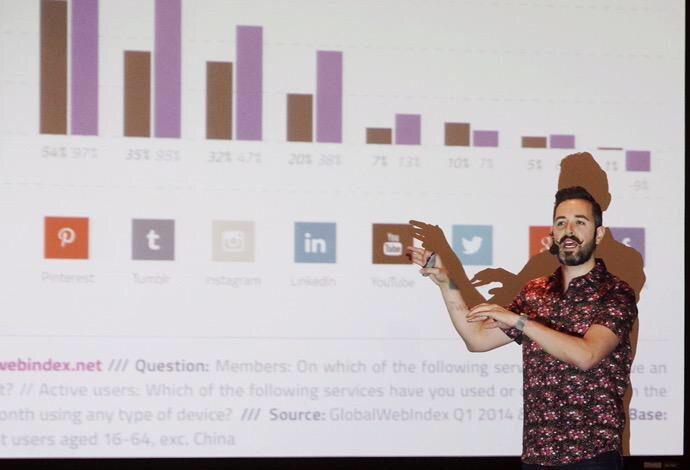
DigiMarCon Keynotes, Panels and Master Classes are facilitated by the foremost thought leaders in the industry, from celebrity social media influencers to CMO’s from the largest Fortune 500 company brands that are disrupting the digital marketing, media and advertising industry, such as Google, Facebook, Microsoft, Amazon, Oracle, Adobe, eBay, Netflix and more. All presentations are pitch-free, and include actionable takeaways, case studies, strategies and tactics, ready to be applied when back in the office.
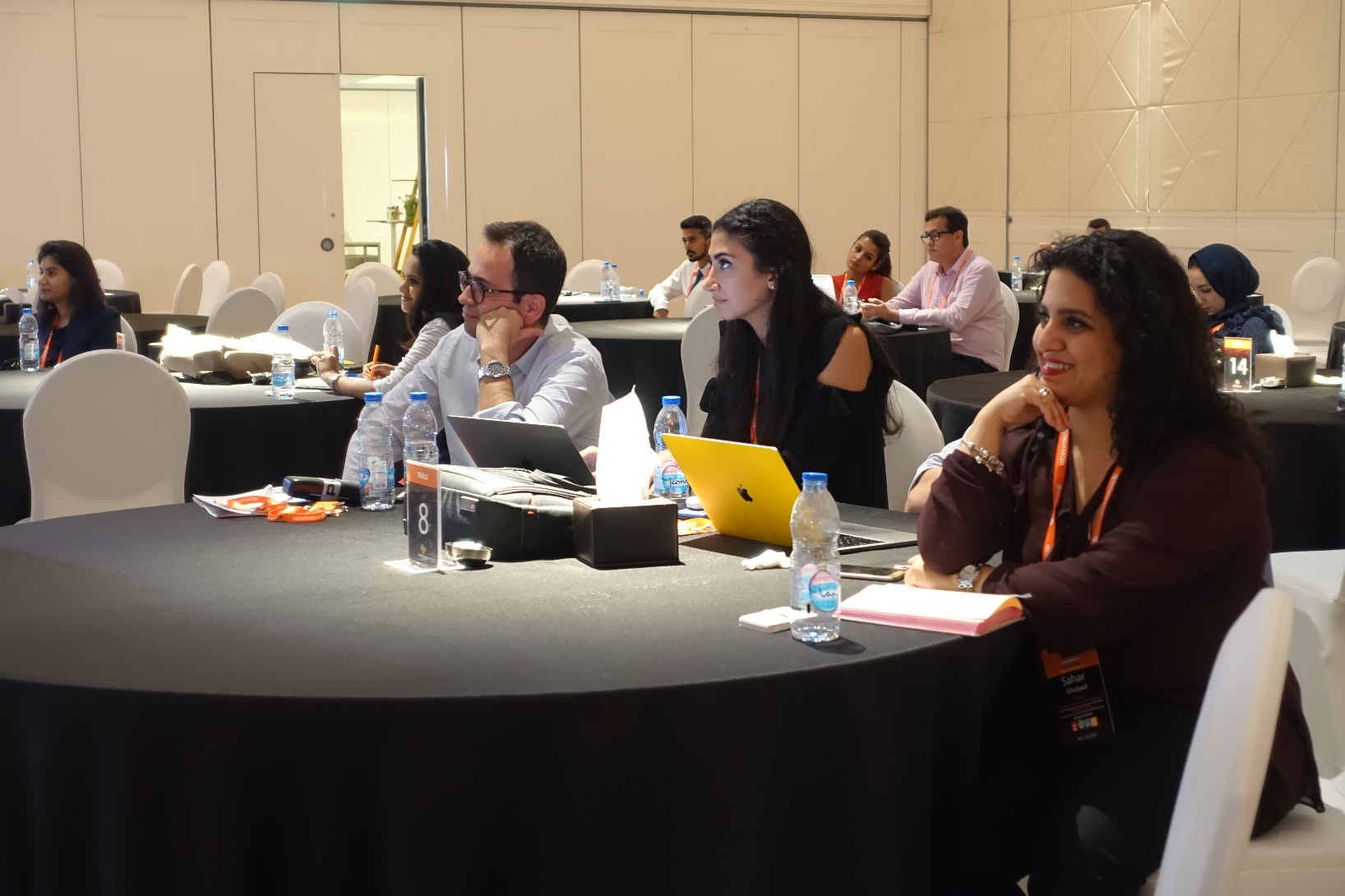
At DigiMarCon Conferences you are never ‘left in the dark’…. literally, in a large room far away from the stage and speakers, crushed in tight theater seating, without even a table, while sitting in the dark. At DigiMarCon all delegates have premium meeting space in luxurious ballroom well-lit spaces, with comfortable seating with table enabling delegates to use their laptop to take notes with ample charging facilities onsite in a comfortable space to learn and thrive. All tables are situated close with direct view of the stage.
DigiMarCon Conferences are affordable to attend, from single-day event passes up to two-day VIP options at a fraction of the cost of other industry events. We offer significant discounts for early bird registrations. Additionally, on top of time-limited discount pass rates, because budgets are tight, we want to make sure all groups have a chance to attend DigiMarCon. For government employees, students, academic, startups, non-profit organizations and teams, we offer generous discounts off the prevailing registration price.
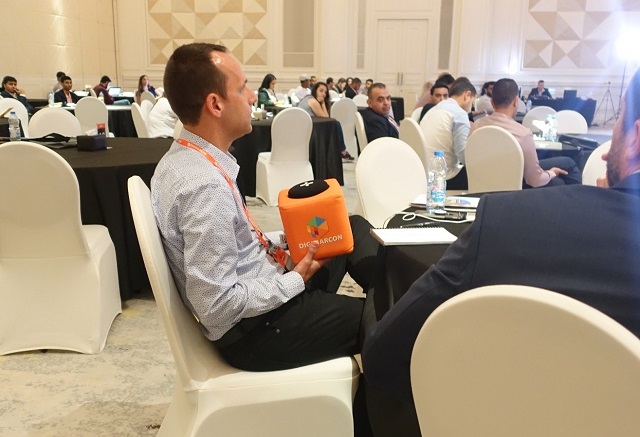
Attend DigiMarCon and you become part of the show! DigiMarCon Conferences tap into the talent of the room, drawing from the knowledge and experience of the professionals in the audience. All DigiMarCon events include regular interactive question and answer sessions with speakers and the audience ideal for collaboration, audience polls, along with ice-breaker and group exercises, steered by charismatic Emcees.

DigiMarCon Conferences put you right up and close with the speakers giving you the opportunity to meet these social media influencers which you follow in person. Speakers are never hidden in private speaker rooms away from the audience, they are in the auditorium sitting right beside you and participating.
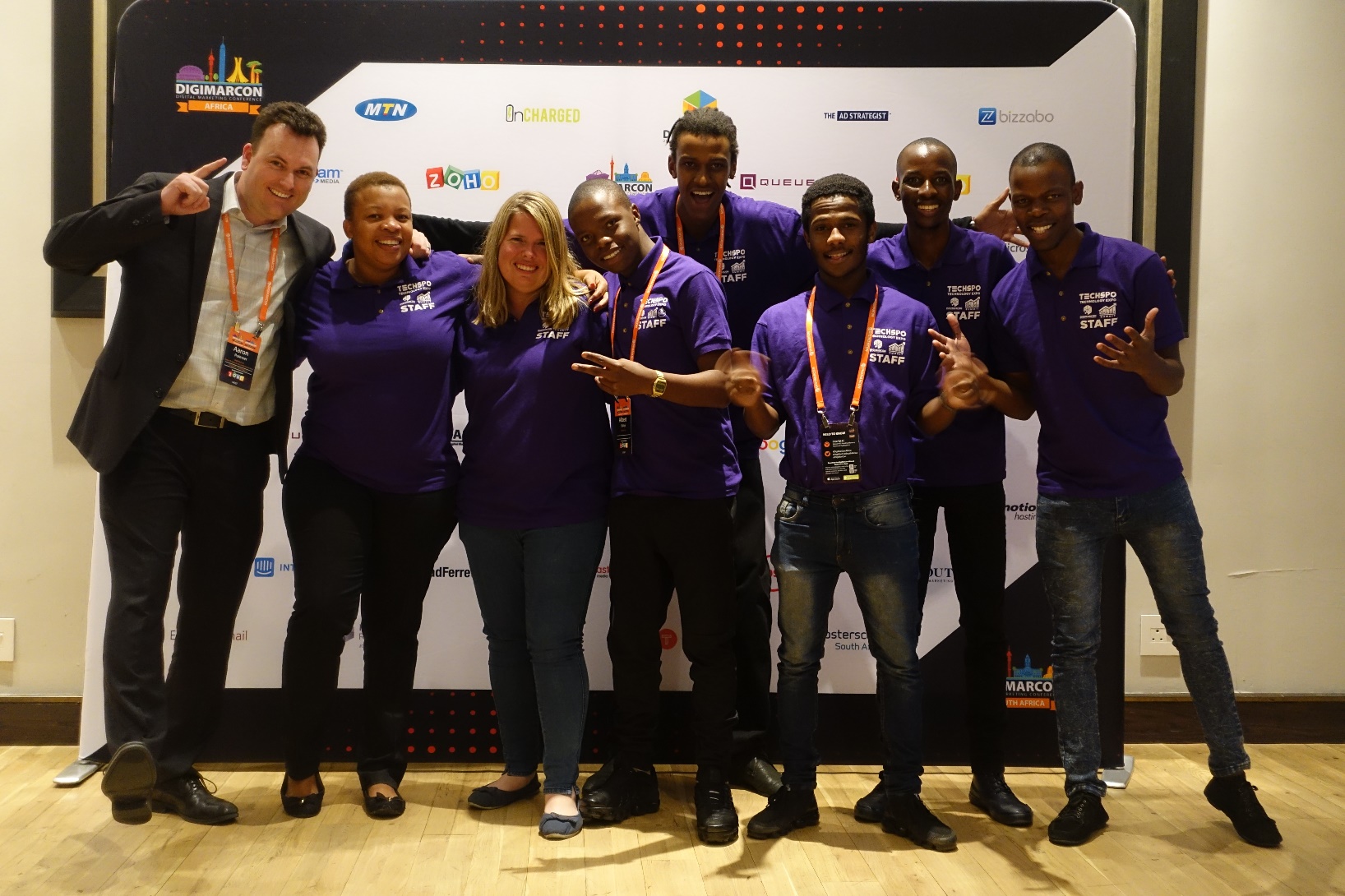
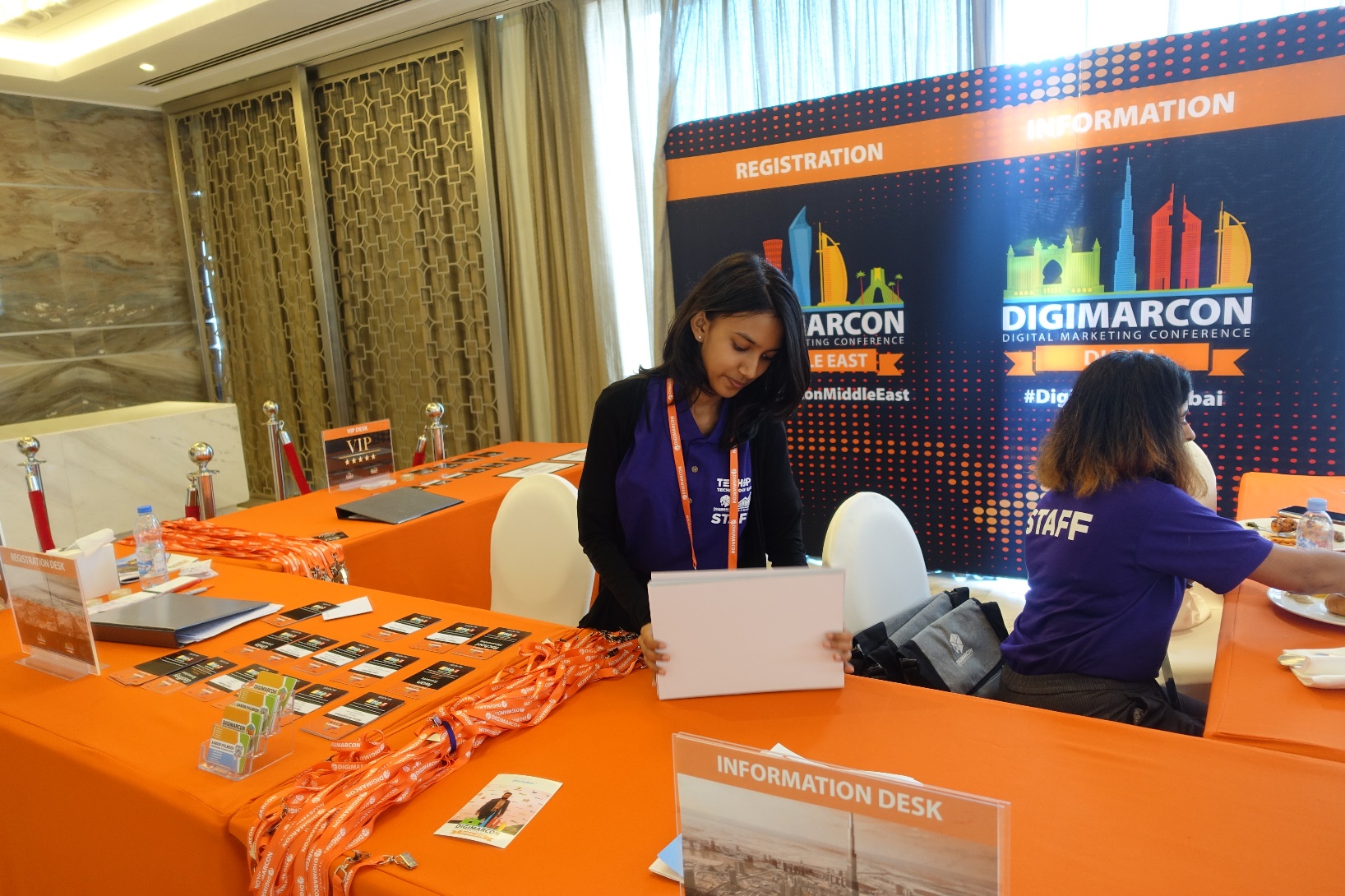
Attending a conference is a well-researched decision. There are many factors to consider such as location, time, venue, cost, speakers, content, etc. At DigiMarCon our results-obsessed Customer Service team are at your service before, during and after the event to help with your needs. It’s at the core of what we do — it drives our business. Offsite, we are ready to assist you via phone, ticket or chat. Onsite at our Conferences, friendly DigiMarCon staff serve as your hosts. They welcome your input and are happy to assist you.

At all DigiMarCon Conferences is the co-located exclusive event TECHSPO Technology Expo, which showcases the new generation of technology and innovation, including; AdTech, MarTech, Internet, Mobile and SaaS technologies. Be inspired, amazed and educated on how these evolving technologies will impact your business for the better. Unlimited Access to TECHSPO Technology Expo is included with all DigiMarCon passes.
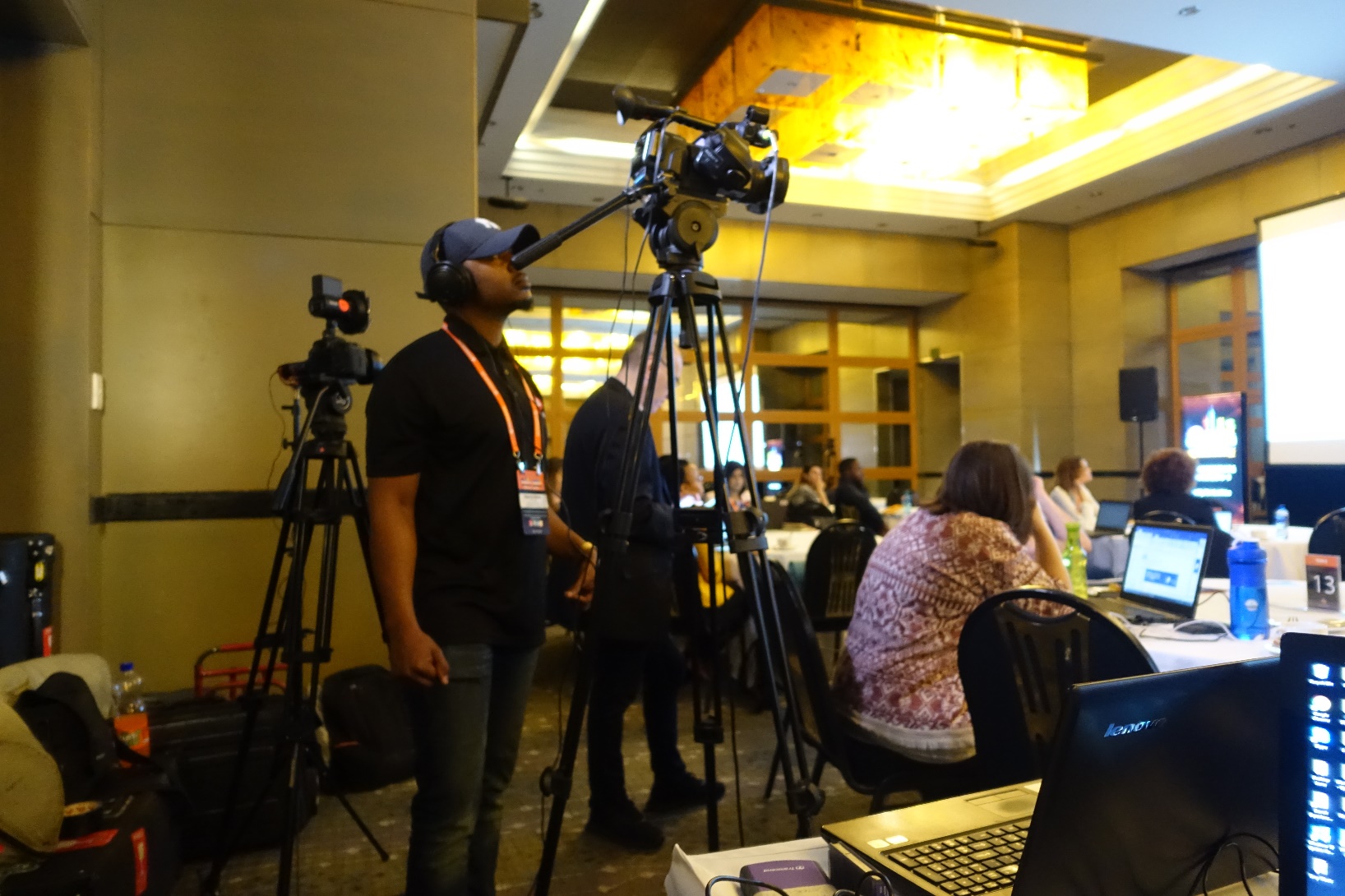
DigiMarCon All Access & VIP Passes include a 12-month on demand access to hundreds of hours of DigiMarCon speaker keynotes, panels and master class presentations from recent DigiMarCon Conferences, including videos, slide decks and key takeaways, available on demand so you can watch what you want, when you want.
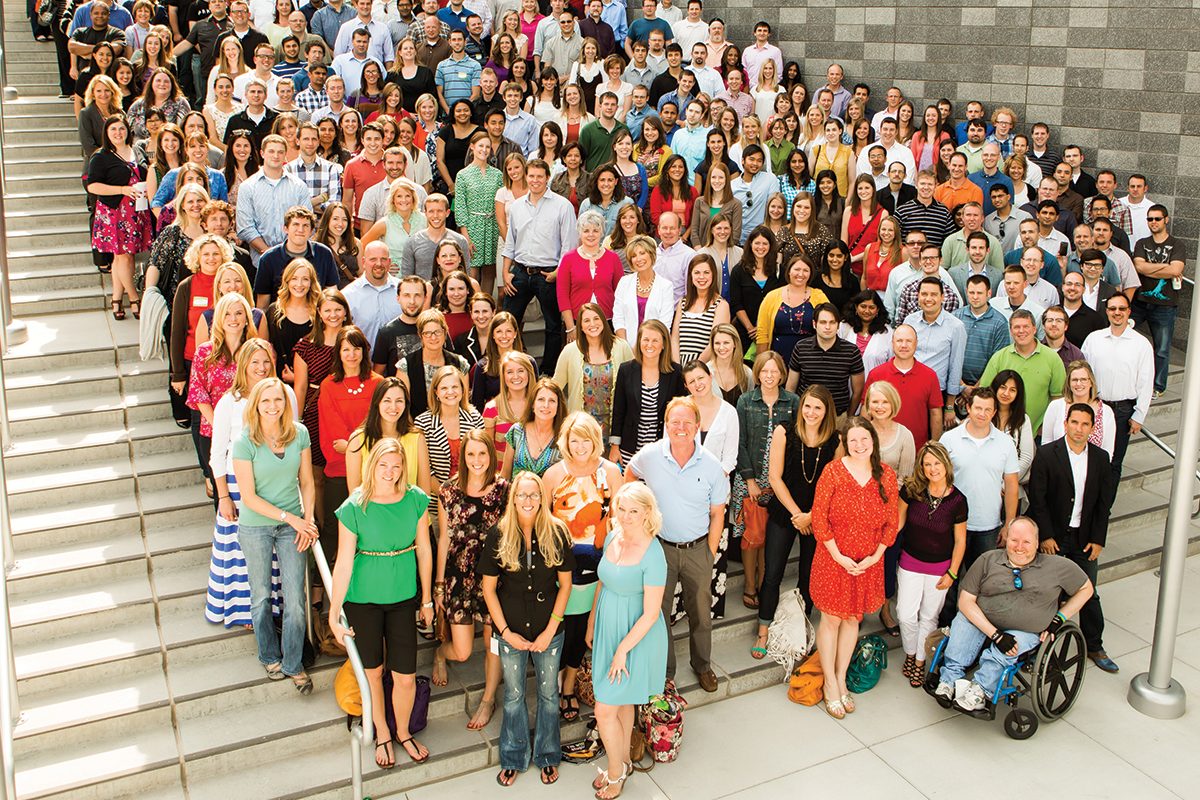
Attendees of DigiMarcon Conferences gain membership to an exclusive global Digital Marketing, Media and Advertising Community of over 500,000 worldwide subscribers to our award-winning digital marketing blog and over 100,000 members to the International Association of Digital Marketing Professionals (visit https://iadmp.org). This global community comprises of innovators, senior marketers and branders, entrepreneurs, digital executives and professionals, web & mobile strategists, designers and web project managers, business leaders, business developers, agency executives and their teams and anyone else who operates in the digital community who leverage digital, mobile, and social media marketing. We provide updates to the latest whitepapers and industry reports to keep you updated on trends, innovation and best practice digital marketing.

The events industry has forever changed in a world affected by COVID-19. The health and safety of our guests, staff and community is our highest priority and paramount. The team at DigiMarCon is dedicated to ensuring a great experience at our in-person events, and that includes providing a safe, clean and hygienic environment for our delegates. Some of the key areas we have implemented safe and hygienic measures include;
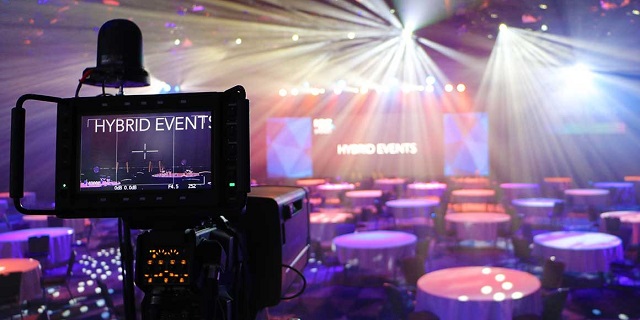
DigiMarCon has always been industry leaders of the Hybrid Event experience for years (a hybrid event combines a "live" in-person event with a "virtual" online component), no one needs to miss out on attending our events. Each DigiMarCon Conference can be attended in-person (with a Main Conference, All Access or VIP Pass) or online (with a Virtual Pass) giving attendees a choice for the experience they want to have. Attending virtually by viewing a Live Stream or On Demand enables participation by people who might be unable to attend physically due to travel or time zone constraints or through a wish to reduce the carbon footprint of the event. If you would like to meet the speakers, network with fellow marketing professionals at refreshment breaks, luncheons and evening receptions, check out the latest Internet, Mobile, AdTech, MarTech and SaaS technologies providers exhibiting then it is highly recommended to attend DigiMarCon in-person. As the largest Digital Marketing, Media and Advertising Conference series with events in 33 international cities worldwide, across 13 countries, there is bound to be a DigiMarCon Event near you to attend in-person if you can.

DigiMarCon Conference Series is the annual gathering of the most powerful brands and senior agency executives in your region. The Sharpest Minds And The Most Influential Decision Makers - Together for Two Days.
Who Attends Our Conferences
Brands • Agencies • Solution & Service Providers • Media Owners • Publishers • Entrepreneurs • Start-Ups • Investors • Government • Corporates • Institutes of Higher Learning




Shop the Future: Where Augmented Reality (AR) Meets Interactive Experiences
A shopper uses immersive and interactive experiences through augmented reality to place a digital lamp beside her living room sofa. She checks its size on her phone before deciding whether it suits the space. This simple preview can make a choice feel more grounded.
AR blends digital content with everyday activities, letting users see and respond to items, scenes, or information around them. The experience can be playful, useful, or both, depending on what people need to do.
This guide looks at shopping, games, learning, and work, along with practical limits that affect how well AR works. You will see where the technology adds value and what to consider before trying it.
First, it helps to understand what makes an experience immersive or interactive. From there, you can judge when a digital layer adds something useful to the real world.
Immersive and Interactive Experiences Through Augmented Reality: How Do They Work?
Augmented reality adds digital content to a view of the physical world, while immersion and interaction describe different parts of the experience. Spatial registration means aligning digital content with the location, scale, and orientation of real-world objects or surfaces.
Interaction means you can affect what happens; immersion means the experience holds your sense of presence. A user may tap a digital button without feeling deeply immersed in the scene.
Augmented reality, or AR, often overlays digital elements on a phone’s view of a real place. The screen still shows the surrounding reality, with added images, labels, or animation.
Virtual reality, or VR, places the user inside a fully digital environment. A headset usually blocks the ordinary view, making the virtual setting feel like the place you occupy.
Mixed reality combines physical surroundings with digital content that can stay anchored to them. A digital object might appear fixed beside a real table as you move around it.
These terms describe different ways technologies shape experiences. An overlay can be interactive without being immersive, and an immersive experience may offer little control.
For example, a label that appears over a building can provide information, but it may not make you feel present inside a new world. Treating every digital overlay as immersive is a common mistake.
Stronger immersive experiences often use sound, motion, and spatial registration to connect digital elements with a place. Even then, a user’s sense of presence depends on the content and the setting.
Interaction can be as simple as tapping, moving, or choosing an option. The key is whether your action changes what the experience shows or does.
That difference matters when deciding what an AR feature should accomplish. A brief label may answer a question, while a larger experience can invite exploration.
Shopping offers a familiar place to try AR. A virtual item can appear in a room or on a person, giving users a new way to consider it.
How Does AR Shopping Let You Test Products?
A shopper can check how a digital product looks before committing to a purchase. A preview can help you picture an item on your face or in your home.
AR can show appearance and approximate scale, but it cannot confirm every quality of a real product. Light, screen settings, and the digital model can affect what you see.
Try-On Experiences
Virtual try-ons place a digital item over a camera view of your face or body. Users can test a style, turn their head, or compare looks without handling the product.
Brands use these experiences for items such as glasses, makeup, or clothes. The feature may help you narrow choices, but it does not establish fit or material quality.
The de Young Museum in San Francisco offered a distinctive try-on experience with its “Fashioning San Francisco: A Century of Style” exhibition. It opened in January 2024 with a Snapchat AR installation.
Visitors could try three eveningwear ensembles by Yves Saint Laurent, Valentino, and Kaisik Wong. The installation connected fashion history with a personal, on-screen experience.
Preview Products in Your Space
Room previews let you place a digital product in a view of your own space. You can check whether a chair seems too large or whether a lamp suits the room.
This can make product choices easier when you cannot see an item in person. The experience still depends on how well the digital model reflects the real product.
Final color may look different under your room’s lighting or on another screen. A preview also cannot show the feel of a fabric, the weight of a chair, or how well an item works.
For a costly product, treat the display as one helpful clue, not a guarantee. Product details and an in-person check may still matter to your decision.
These previews place digital objects in ordinary settings. AR games take that idea further, turning a real location into part of the play space.
How Do AR Games Turn the Real World Into a Play Space?
A player follows a digital clue tied to a real location, then looks around to find the next step. The place itself can become part of the game.
AR games connect digital goals to real environments, asking users to explore, collect, or respond to prompts. The activity can make a familiar area feel different.
Some experiences ask players to find digital objects or visit marked locations. Others use short stories that change as users move through a space.
Pokémon Go is a familiar comparison: players look for virtual creatures in real places. Museum and event experiences can use similar movement while linking discoveries to a specific setting.
The National Museum of Singapore’s “Story of the Forest” turned 69 images from the William Farquhar Collection of Natural History Drawings into three-dimensional animations. Visitors could explore the animated world through a companion experience.
They collected virtual plants and animals, then learned about each one’s habitat, diet, and rarity. The installation ended on October 13, 2024.
These activities can make the environment feel like a set of clues, rather than a backdrop. Players may follow a route, pause at a location, or compare discoveries with others.
Common game mechanics include:
A game can support curiosity when its prompts connect to the place. Too many screen-based tasks can pull attention away from people, traffic, or the setting itself.
Stay aware of your surroundings, especially in busy public spaces. A player who watches only the screen may miss a step, an obstacle, or a real-world sign.
Good design gives users a reason to look up and move with care. The devices that deliver these experiences shape how people see and take part in them.
Which Devices Can Run AR Experiences?
Many phone-based AR experiences use a device people already carry. A phone or tablet can show digital content over a camera view of the physical setting.
The right device depends on the task, the audience, and the place where people will use it. A headset does not automatically make an experience more useful or engaging.
Phones and Tablets
Phone-based AR uses a phone or tablet camera and screen. Users point the camera toward a room, object, or marker and see the digital layer on the display.
This setup can be easy to reach because many visitors already have a compatible device. It also keeps the experience tied to the screen, which can limit hands-free movement.
Phones and tablets suit short experiences that ask users to look, tap, or move the device. A shared screen can also help a small group view the same digital content.
Access still depends on device support and the experience’s software. A visitor may need a working camera, enough battery, and a clear view of the target area.
Headsets and Mixed-Reality Gear
Headset-based AR uses dedicated glasses or a headset. The equipment can place digital content in a hands-free view while users look around the physical environment.
Mixed reality gear can keep digital items anchored to real spaces. That can suit tasks where users need to see both the digital layer and their surroundings.
Headset-based AR also depends on equipment, setup, and visitor support. A venue may need to manage fitting, cleaning, charging, and instructions for each person.
Cost can affect how many people can take part at one time. A simpler phone-based experience may reach more visitors, even when a headset could offer a different view.
Choose technology to fit the people and the activity, rather than choosing the most complex option. Device choice shapes how learning experiences deliver stories and information.
What Can AR Help People Learn in Museums and Schools?
A visitor looks at a familiar museum object and sees a hidden layer of its story. AR can add context by showing details that a label alone cannot make visible.
Learning experiences work best when digital information helps people understand an object, event, or idea. A screen should support attention to the subject, not replace it.
Add Stories and Details to Collections
The Smithsonian National Museum of Natural History’s Skin and Bone app featured 13 skeletons. It overlaid reconstructions that showed skin, muscle, and movement.
That added information helped visitors imagine how the animals lived. Students could connect bones they saw in the gallery with body parts they could not see.
At the Kennedy Space Center, the Heroes and Legends exhibit used an AR hologram and Gene Cernan’s narration. The scene depicted his June 1966 spacewalk, giving visitors a story tied to a real mission.
The National Gallery in London used an AR app to place works by Titian, Vincent van Gogh, Georges-Pierre Seurat, and Tracey Emin in public streets. The app brought art into places beyond the gallery walls.
These experiences show how digital content can add details or shift where people encounter art. The surrounding place becomes part of how visitors take in the work.
Make Past and Future Scenarios Visible
AR can also help people picture a time or situation they cannot visit directly. A well-shaped scenario offers a way to explore an idea through a place and a story.
The Natural History Museum in London launched Visions of Nature in October 2024. It used Microsoft HoloLens 2 to place visitors in a 2125 scenario.
Microsoft and Saola Studio developed the experience. Visitors met a guide named Hope and considered a future that included “narlugas,” a hypothetical narwhal-beluga hybrid.
Narlugas are part of the imagined scenario, not an existing species. That distinction matters when digital storytelling blends real science with possible futures.
For schools, AR can support education when students need to see a process, compare details, or discuss a scenario. The same approach can help public audiences engage with art and information.
These learning uses make ideas easier to picture. Work and professional design use immersive technologies to help people practice tasks, plan spaces, and collaborate.
How Do AR and VR Support Work and Design?
A trainee rehearses a procedure in a simulated environment before working in a real one. Practice in a simulation lets users learn steps without changing a live setting.
VR can create a controlled training space, while AR can add information to real work. Neither technology alone proves that someone can perform a task safely.
Practice Skills in Simulations
Virtual reality can simulate situations that are hard to repeat on demand. Healthcare teams, for example, can rehearse a scenario before facing a similar event with a patient.
Workers can repeat steps and learn how choices affect the simulated scene. A trainer can also pause the experience to discuss a decision or review a missed action.
That practice can build familiarity, but it has limits. Simulated success does not prove real-world competence, where people, tools, and conditions may differ.
Training works best when the simulation supports other forms of practice and feedback. It can prepare users to learn, not replace supervised work or skill checks.
Visualize Spaces and Collaborate
AR can add useful information to a real work setting. A technician might see instructions near equipment, while a designer checks how a digital element fits a physical space.
Architecture and design teams can use 3D walkthroughs to review a proposed space. People can explore room layouts before construction, then discuss how each area may work.
Virtual spaces can also support remote collaboration. Team members in different places may meet around a shared model and point out changes together.
These technologies can help users see plans from more than one angle. Their value depends on whether the experience supports a real task, rather than simply adding digital effects.
Work tools often focus on one goal at a time. Public experiences need to consider how a group shares attention, space, and stories.
How Can AR Experiences Work Better for Groups?
A group passes a phone around and talks about a digital layer they can see together. Shared attention can turn a screen-based activity into a social experience.
AR can invite people to discuss what they see, rather than keeping each user alone with a screen. The design should leave room for looking, talking, and turning back to the real setting.
At the Art Gallery of Ontario’s ReBlink exhibition, 84% of visitors reported feeling engaged with the art. After using the app, 39% looked at the images again.
Those responses show one way an app can draw people back to the artwork. A phone-based experience can prompt visitors to look again, not just stare at the screen.
Visitors to Felice Grodin’s Invasive Species exhibition at the Pérez Art Museum in Miami used AR together. They shared screens and talked about what they saw.
Visitors aged 55 and older also reported positive experiences there. Designers should not assume that age predicts someone’s digital skill or interest.
Simple choices can help groups take part:
One phone can become a shared object when people pass it around or look over one another’s shoulder. A group can discuss different details without every person needing a separate screen.
Instructions should support people without interrupting the art or the conversation. A prompt that asks visitors to compare views can make the experience more social.
These details matter because shared experiences still rely on clear access and thoughtful placement. Technical and practical obstacles can interrupt the moment.
What Challenges Can Make AR Less Effective?
AR can fail when its digital layer is hard to access, understand, or place appropriately. Small barriers can stop users before the content has a chance to help.
A useful AR experience needs clear access, clear actions, and permission to use its setting. A polished digital layer cannot fix confusing steps or poor placement.
Equipment access can limit who takes part. A user may lack a compatible device, a reliable connection, or enough battery for the experience.
Compatibility and maintenance also affect whether a project keeps working. Software can change, devices can need updates, and a venue may need to support visitors who get stuck.
Unclear interactions create another problem. If users cannot tell where to point, what to tap, or how to move on, the digital content may feel broken.
Creating and supporting digital content takes time and money. A project may need ongoing work to keep the content useful and the experience running.
Placement raises questions of permission and care. In 2018, artists created an unauthorized AR intervention in MoMA’s Jackson Pollock gallery.
The incident showed why digital works should not be placed over physical art without permission. The digital layer can change how people see an artwork or its setting.
At the Pérez Art Museum in Miami, Felice Grodin’s digital works appeared in areas without existing artworks. That choice avoided overwriting the art already on display.
Before launch, check four things:
These checks can catch access and placement problems before visitors encounter them. A simple design process can also help creators avoid issues from the start.
How Should Creators Plan an AR Experience?
Start by deciding what users should understand or do. A clear purpose helps creators choose content and technology that fit the real task.
Plan for the audience and outcome before choosing a technology. Picking a tool first and searching for a purpose afterward can lead to an experience without a clear use.
Set the Audience and Purpose
Identify who will use the experience and what they need from it. A short public display may serve casual visitors, while a training tool may need to guide repeated practice.
Set a specific outcome that people can reach or understand. For example, they might compare two design choices or learn how an object works.
Then ask whether AR is the right fit. A video, a printed sign, or virtual reality may serve the task better than a digital layer over a real place.
Audience needs should shape the experience from the beginning. Consider how much time people have, what they already know, and whether they will use it alone or with others.
Choose the Content, Interaction, and Test
Choose the content and story that help people reach the goal. Keep each element tied to what users need to notice, understand, or do.
Plan how users will act: they might tap a prompt, move through a space, or choose between options. Clear interactions make it easier to follow the experience.
Test a working version with users before refining it. Watch where they pause, what they miss, and whether the digital content supports the intended activity.
A useful plan produces four clear items:
Testing gives creators a chance to improve confusing words, interactions, and visual elements. A small test can reveal issues before a wider audience sees the experience.
After planning, you can try an existing AR activity without much pressure. Start with a familiar task and see whether the digital layer helps.
How Can You Get Started With AR in Everyday Life?
Try a simple AR preview at home before looking for a more elaborate experience. A familiar activity makes it easier to judge whether the digital layer is useful.
Choose one clear task and use AR only if it helps you do that task. A quick trial can show what the technology adds without demanding much time.
You might try a virtual item, preview a product in a room, or explore an on-site interpretation. Pick something you already understand, so you can focus on the experience.
Check that your device supports the app or feature. Choose a place where looking at the screen is safe and suitable for the activity.
At home, you can move slowly and compare a digital item with nearby furniture. In a public space, pause somewhere that will not block other people.
Notice what the experience helps you do. It may make a product easier to picture, reveal an extra detail, or offer a new way to explore a place.
AR is not always the best choice. Skip an app when a clear label, an ordinary video, or a direct conversation does the job better.
That choice does not mean the technology failed. It means the simpler option meets the need with less effort.
Give the first try a small goal, such as checking whether a digital object fits a room. If the layer helps, you can explore another use later.
You do not need to expect every digital feature to feel special. Look for one practical benefit, then decide whether it deserves your attention.
A familiar activity offers a manageable starting point. You can see what AR adds while keeping the real place and your own needs in view.
Conclusion
AR works best when its digital layer serves a clear purpose in a real setting. Choose an experience for what it lets you do, not simply because it uses new technology.
Keep the physical world in view as you take part. Your surroundings, other people, and the task itself still shape the experience.
Try one phone-based AR experience tied to something familiar, such as previewing an item at home. Notice what it helps you see or do, without expecting every digital layer to improve the activity.